All tools
Tools

3×3 grid collage from 9 photos

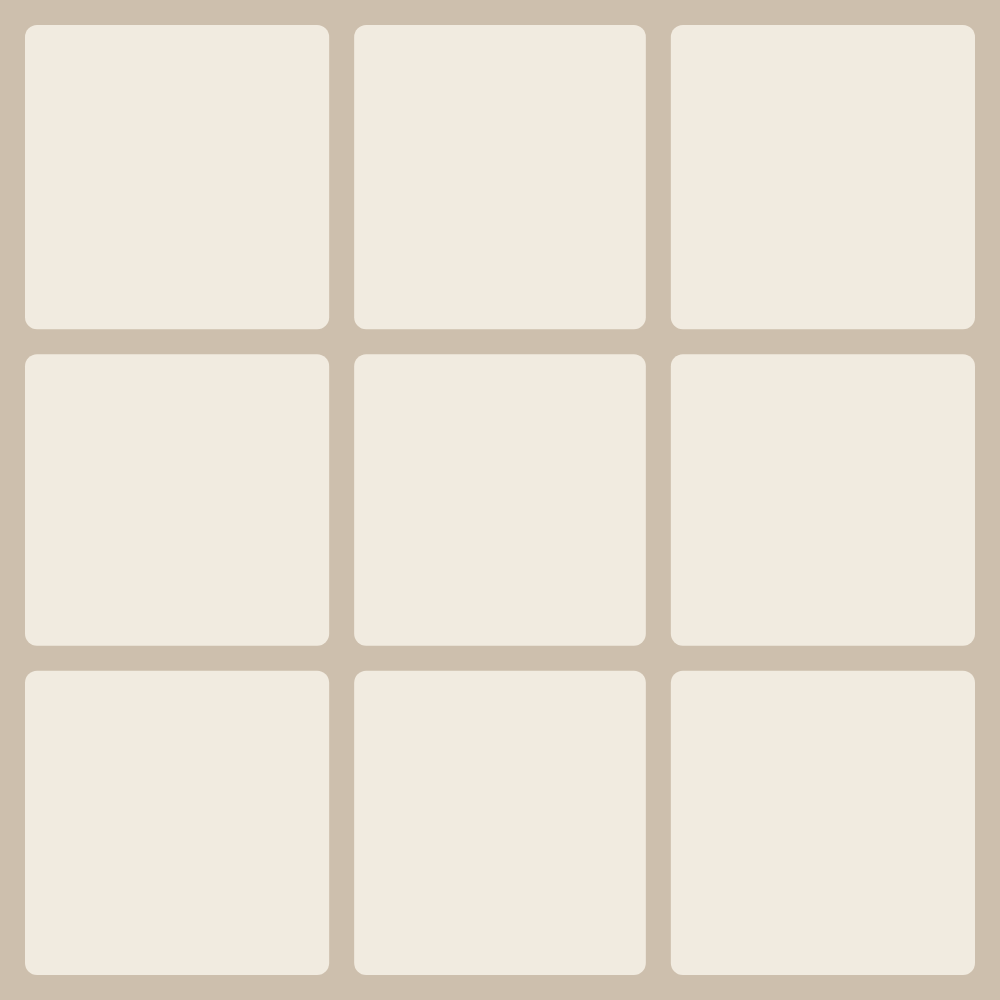
Nine photos in a square 3×3 grid. The editor opens with a ready nine-cell layout in a 1080×1080 format.

Open in the editor
Example: 3×3 grid

The 3-by-3 grid holds more frames and works well for year-in-review posts, travel sets or splitting a single image into nine parts for a carousel. Fill each cell with its own shot, move and zoom it, and adjust gaps and rounding.

The format is a 1080×1080 square, but it's easy to change to any other. Download the finished collage as PNG or JPG in good quality, with no watermark and no sign-up.


Frequently asked questions

How many photos do I need for a 3×3 grid?

Nine — one per cell. With fewer photos you can leave cells empty or remove them by changing the layout.

How do I split one photo into 9 parts?

Load a single image, stretch it across the whole grid and turn on splitting — the editor will divide the photo into nine equal pieces.

Is it free and watermark-free?

Yes, the maker is completely free, no account needed, and there's no watermark on the result.