A collage from your favourite photos — in a couple of minutes
Upload your photos, pick a ready-made template or build your own — and save the result. Free, no sign-up, no watermarks.

Three steps to a finished collage
- 01
Upload photos
Drag your photos straight into the browser window or pick them from your device — phone or computer. JPG, PNG, WebP, GIF, BMP and iPhone HEIC, up to 20 MB each.
- 02
Choose a template
Take a ready-made template or build your own in the builder — an even grid, shapes, or the generator.
- 03
Save the result
Any size — for social media or for print. No watermarks, in one click.
More than 2×2 grids
Build the collage exactly the way you imagine it.
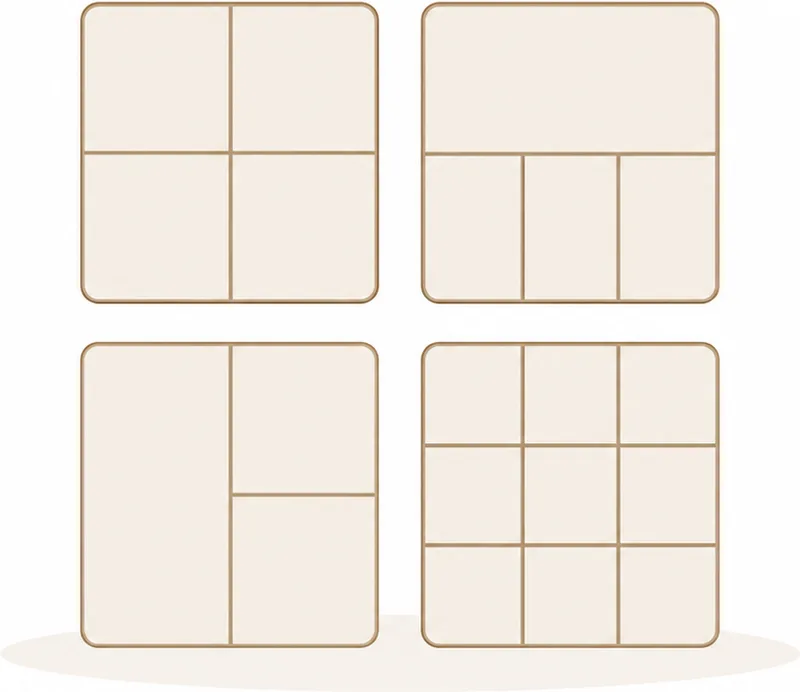
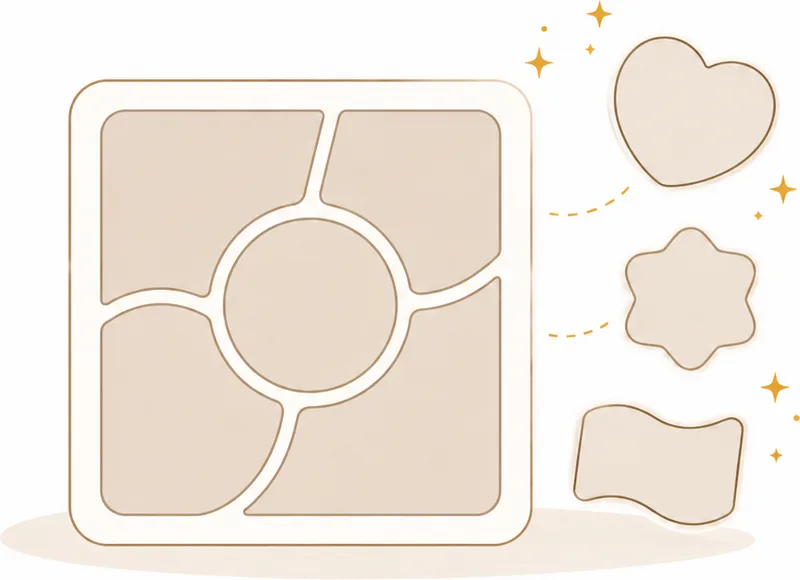
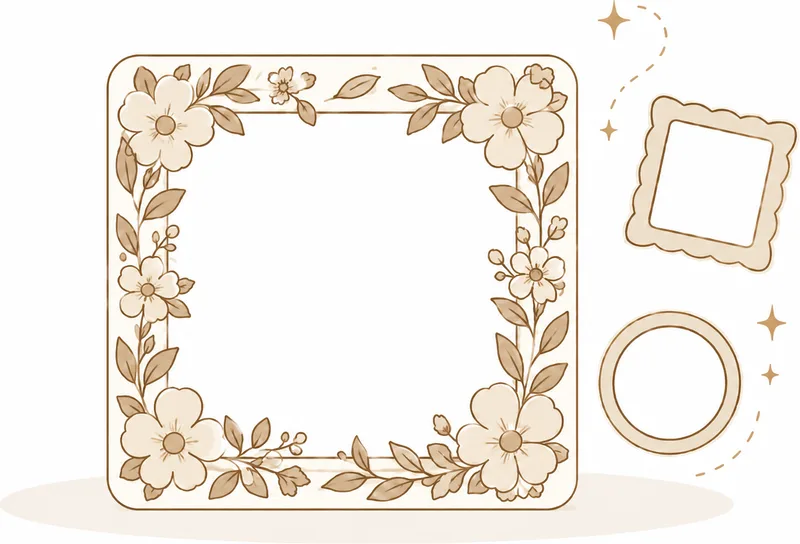
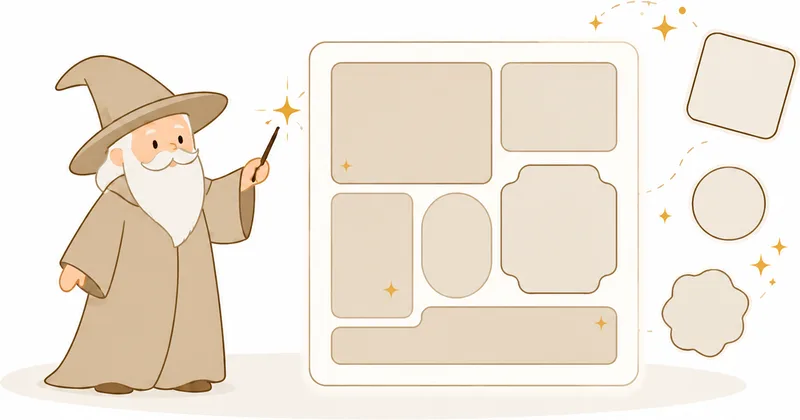
The editor lays your photos out
Upload your shots — the editor suggests a template for their count and proportions, keeps faces in frame and flags duplicates.
- Suggests a template Five layouts matched to your photo count and their proportions.
- Arranges by what fits Portraits go into tall cells, group shots into the large ones.
- Keeps faces in frame The crop shifts and zooms itself so a face stays whole inside its cell.
- Finds duplicates Bursts of near-identical shots get marked — one press keeps the best.
Photos never leave your device — everything is processed right in the browser.
Three builder modes
Build your layout the way that suits you: a tidy grid, freeform shapes, or a single click.
Ready-made collage scenarios
Open the editor already set up for your format, shape or task. All free, no sign-up.
How to use the service
Short articles — from your first collage to your own templates, photo frames and photo editing.



A collage from your photos — online and free
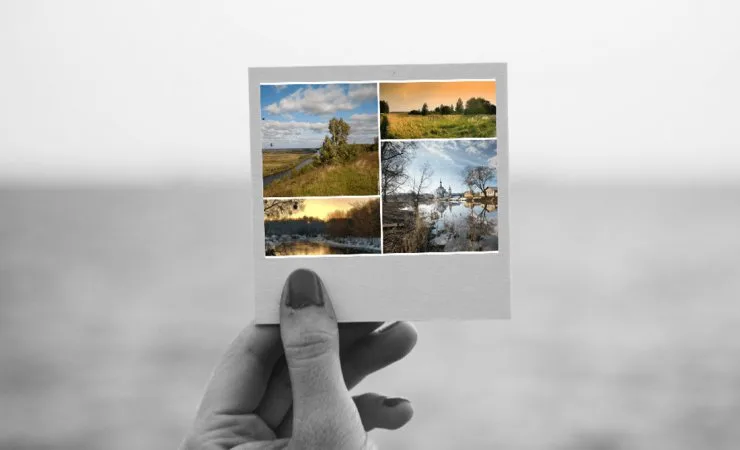
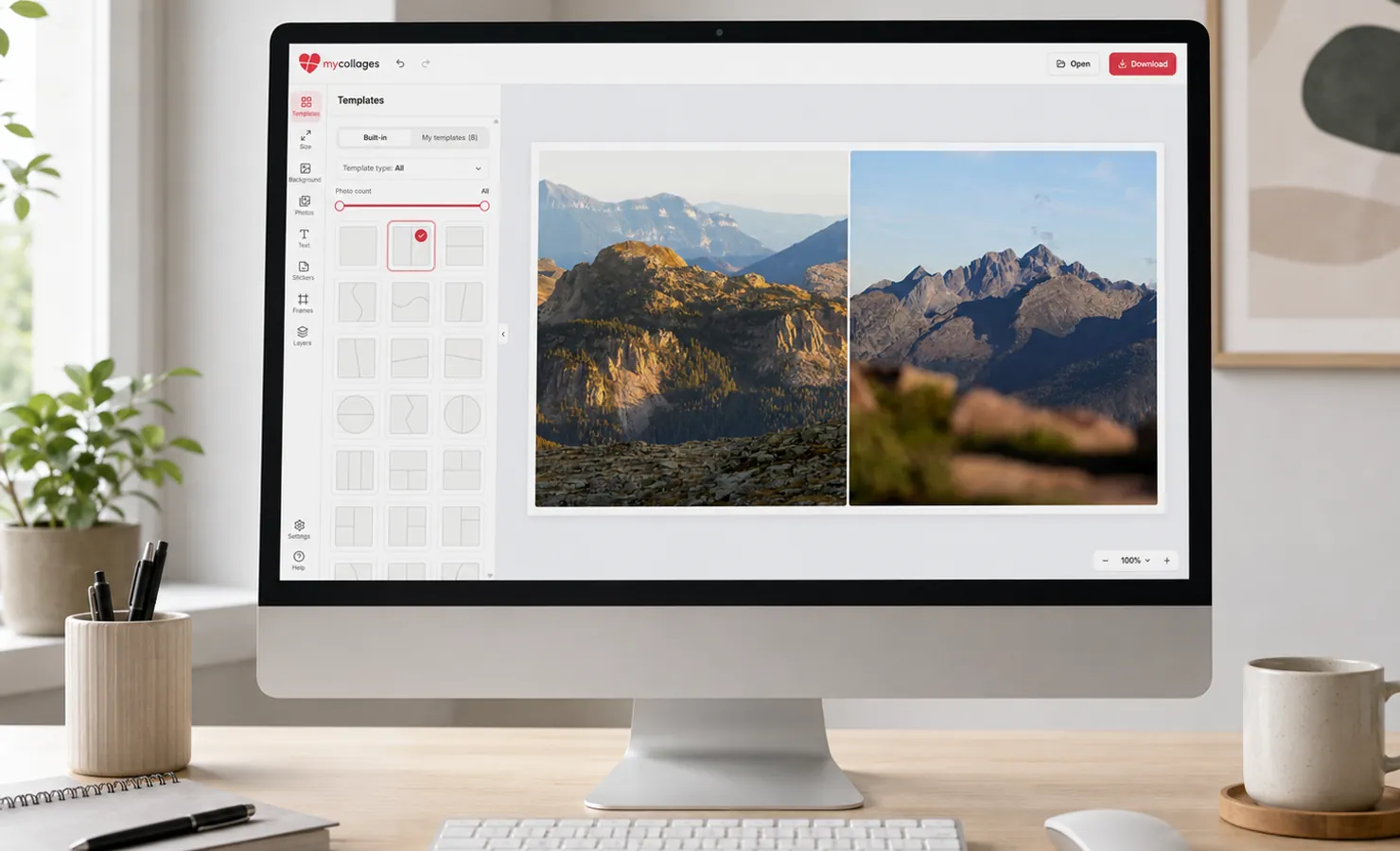
MyCollages is a free online collage editor. Upload your photos, pick a ready-made template or build your own — and save the result straight from the browser. No sign-up, no watermarks, nothing to install.
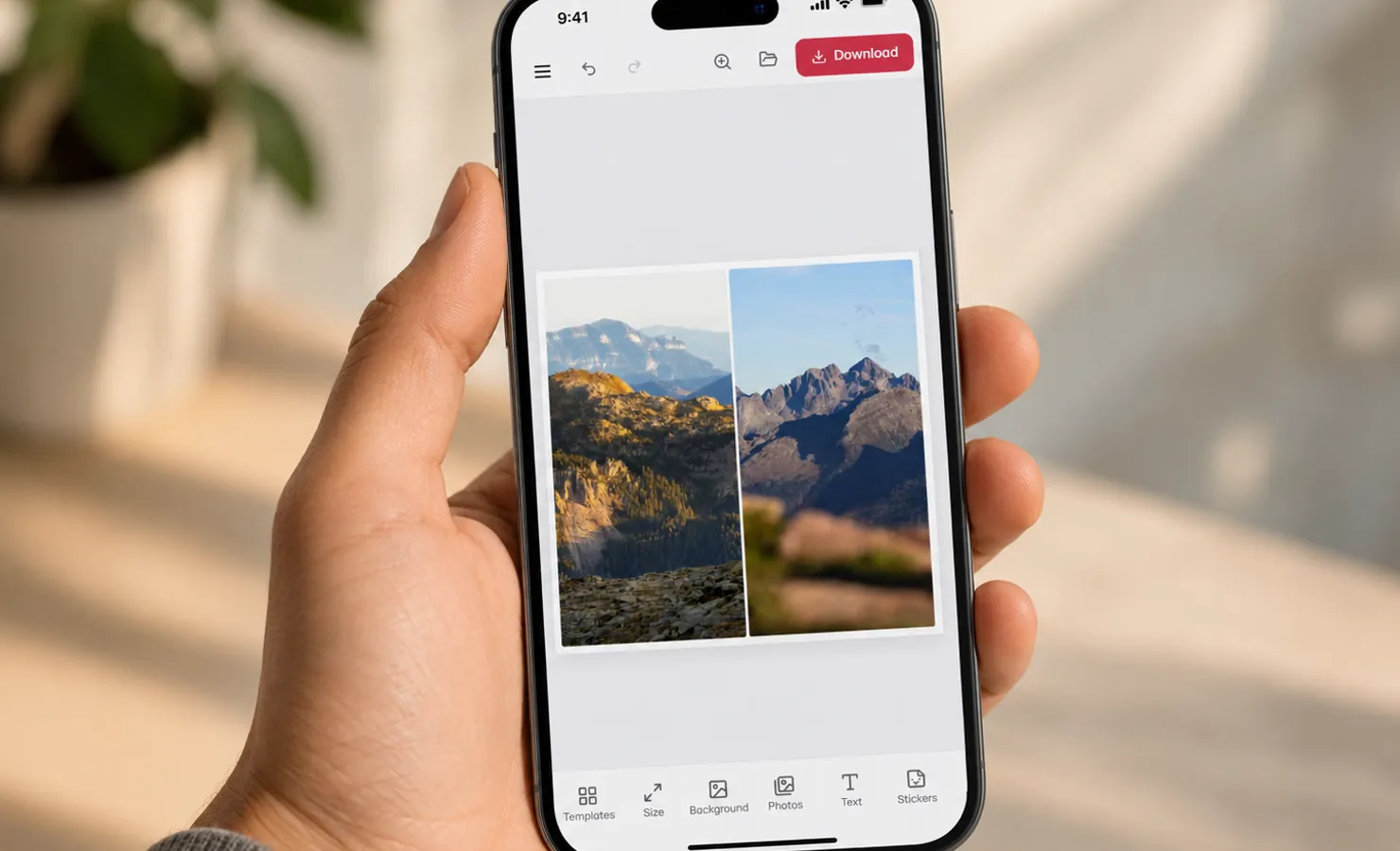
Everything happens on your own device: your photos never go to a server and aren’t kept after you close the tab. It works just as well on a computer as on a phone — build a layout on a big screen or with your finger on a touchscreen.
Start from a ready layout or build your own from scratch. The editor has three modes: even grids with cell merging, freeform shapes — circle, heart, star or a freehand outline — and a generator that invents a layout for your number of photos.
Then come the details that bring a collage to life: decorative photo frames for a wedding, a birthday or a holiday, a background in colour, gradient or texture, captions and dates in any font, and photo filters for a single consistent mood. Every shot can be moved, rotated and cropped right inside its cell.
The finished collage saves as JPG, PNG or PDF in any size — a square for a post, a vertical for stories, or a large 300 DPI format for printing. You can put your first collage together in just a couple of minutes.
Ready to build your collage?
Open the editor and make a collage from your favourite photos — it’s free and takes a couple of minutes.