

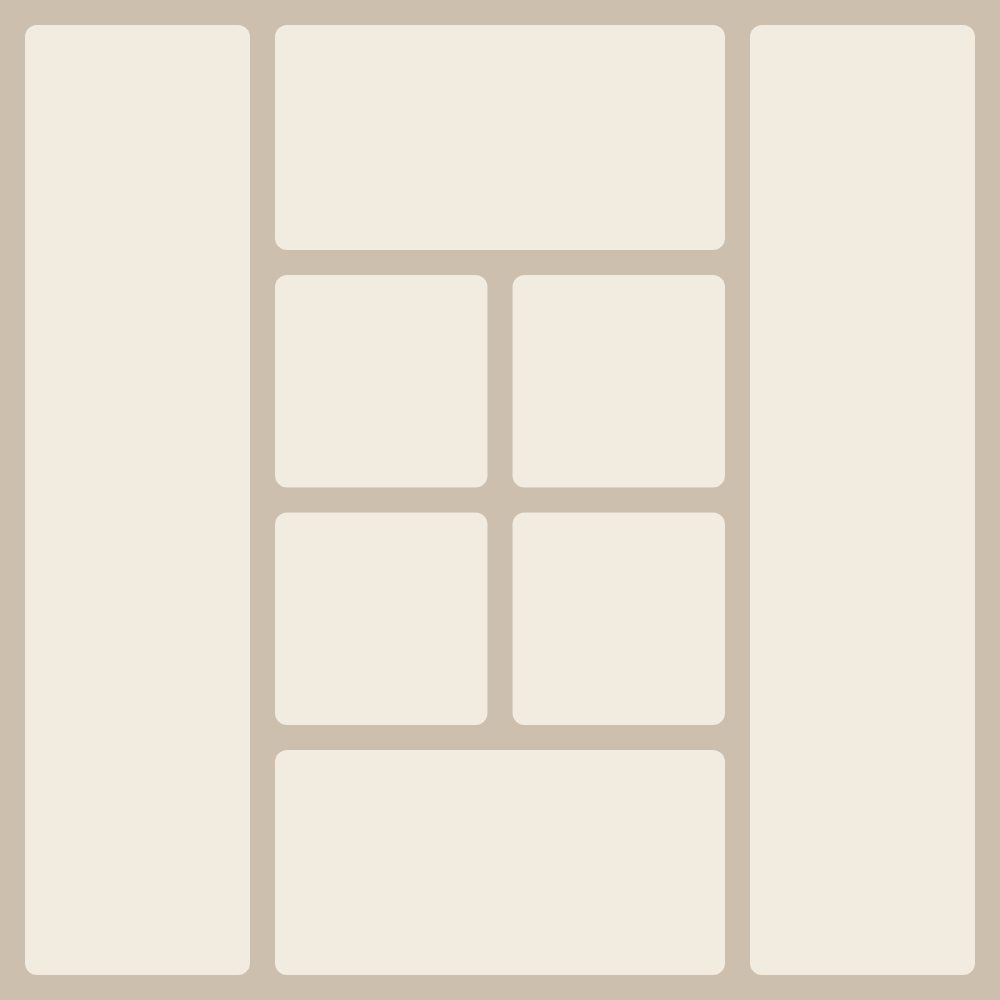
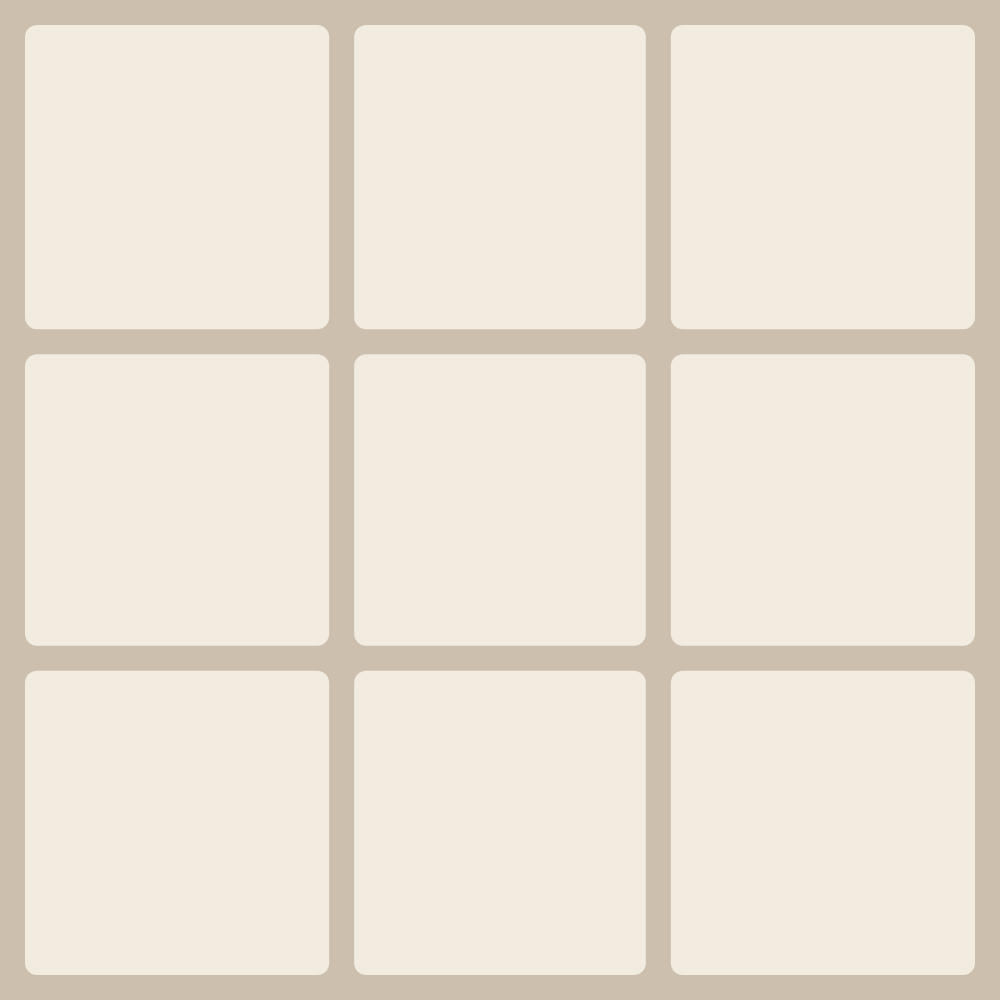
A collage is easiest to build when the layout is already sized for the right number of photos. These pages are grouped by photo count, from two to nine, and each one collects the layouts made for exactly that count. Pick a number and you'll see ready-made templates; each opens in the editor with a single tap, the cells already in place, so there's nothing to arrange by hand.
In the editor you can move and zoom each shot inside its cell or swap it with a neighbour, and for the whole collage you can set the background, round the corners, adjust the gaps and change the canvas proportions. If the ready-made layouts aren't enough, the template generator builds fresh variations for the same number of photos.
Every layout comes from the MyCollages editor and runs right in your browser, on phone and desktop. The finished piece downloads in high resolution: PNG or JPG for screens and social media, PDF for print. No signup, no watermarks, and no limit on how many times you save.