


All collages by photo count
Photo collage

Collage from 3 photos

Build a collage from 3 photos with a ready-made layout: pick a grid below, drop your shots into the cells and download the result. All free, right in your browser.

Build a collage from 3 photos
'3×1 triptych' layout — collage from 3 photos

Ready-made 3-photo layouts

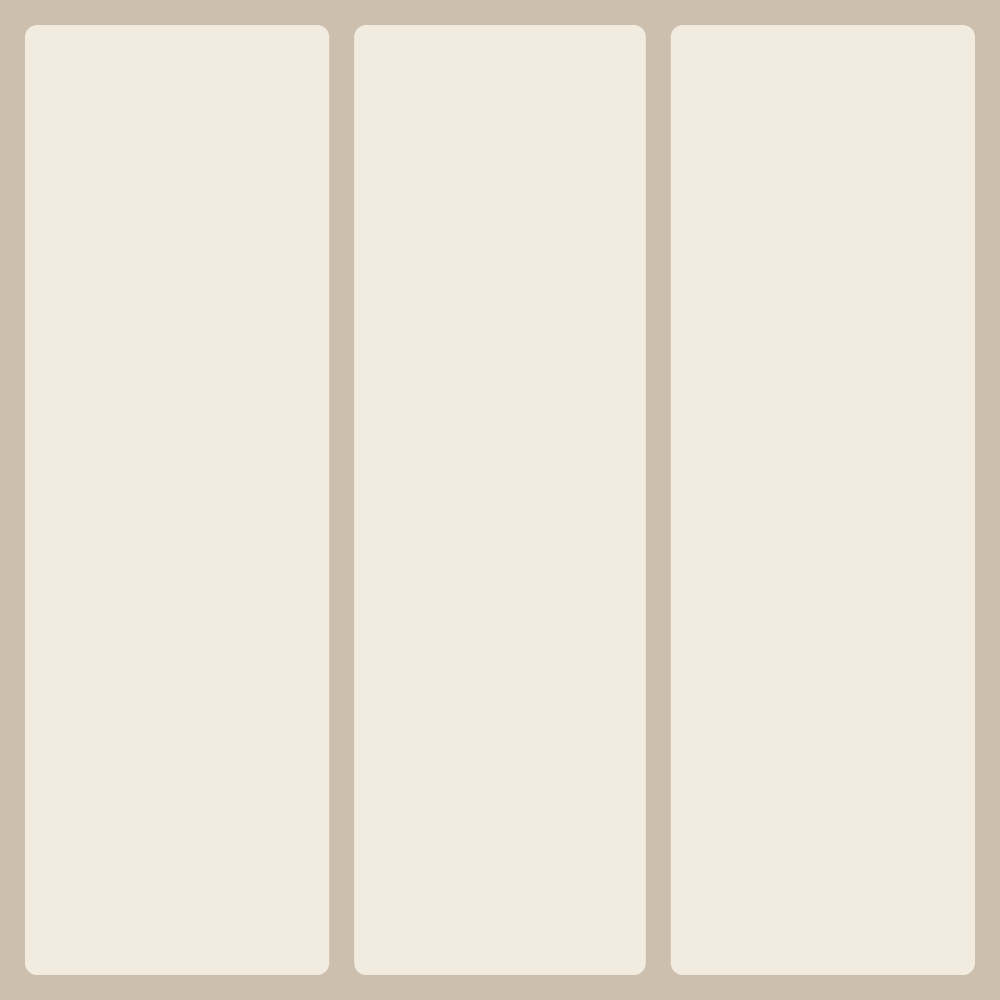
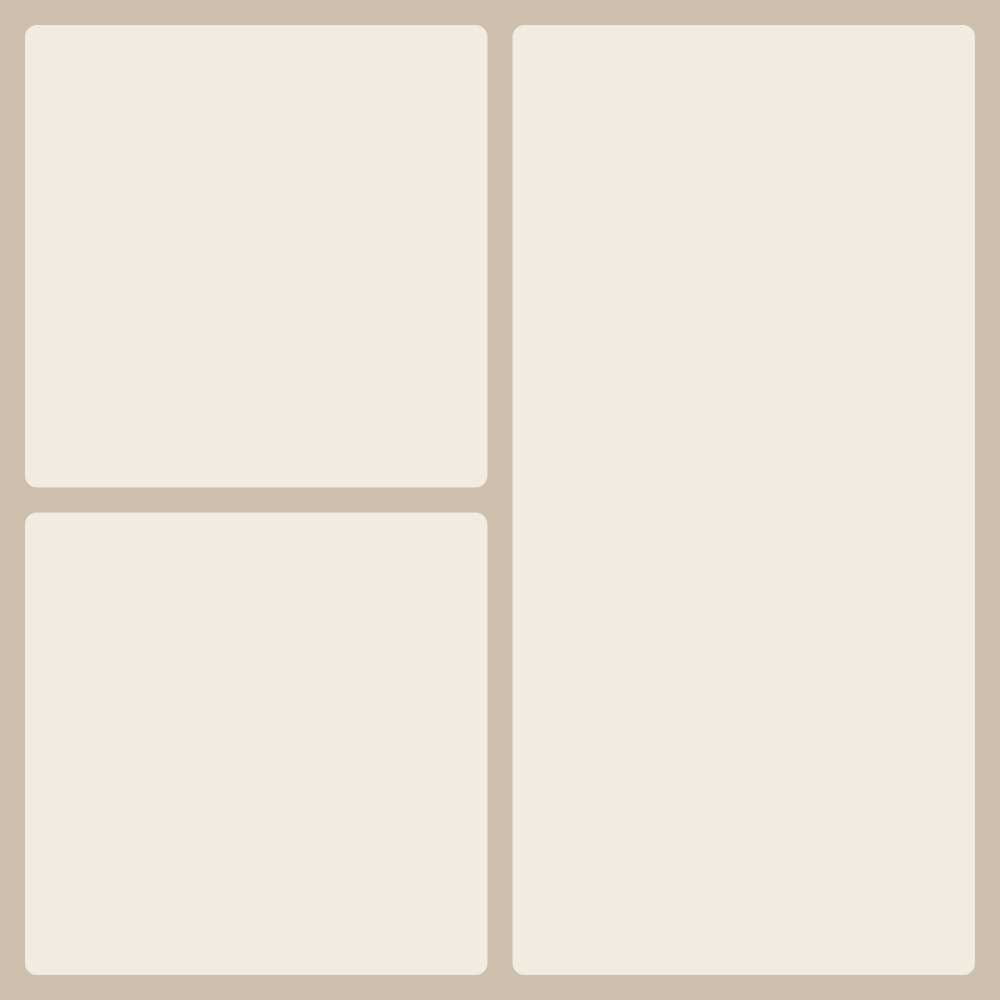
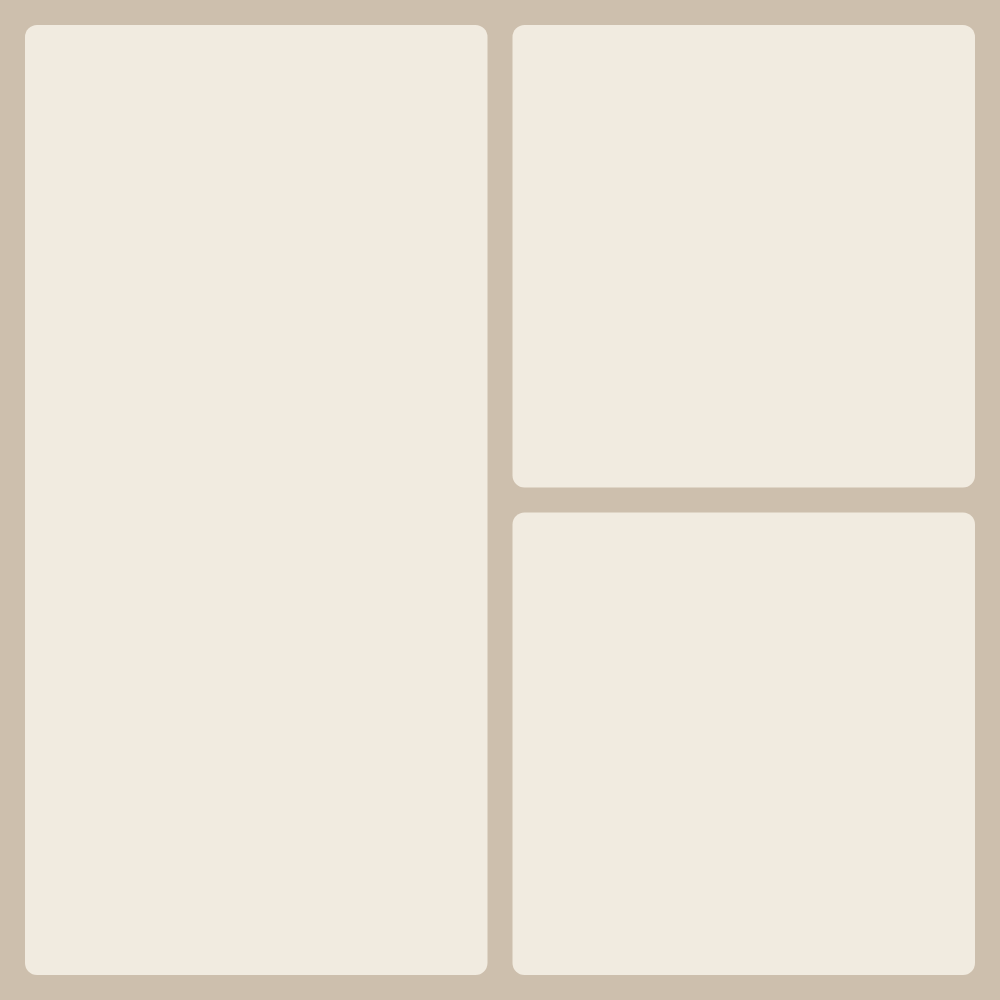
Three is the first count where a collage gets a hierarchy. Six of the 15 layouts are rectangular, and they follow two ideas. The first is the “3×1 triptych”: three equal vertical panels, like a folding altarpiece or a beginning-middle-end storyboard. The second is one lead shot plus a smaller pair. The lead can sit left, right, top or bottom, and in one variant even the two supporting cells differ in size.

On a square sheet the triptych panels are very narrow, about 1:3. They suit anything tall: a person full length, a tower, a tree, a waterfall. Skip group shots and wide landscapes here, because only their middle survives.

In the one-plus-two layouts the big cell grabs attention first, so give it the shot that tells the whole story and keep the details (hands, objects, surroundings) for the small ones. Direction matters too: if the person in the lead photo faces right, place them on the left so their gaze leads into the collage. For a softer look there are nine shaped options: diagonal strips, a leaf, a drop, a wave, an L-shape.

Frequently asked questions

Triptych or one big photo — which is better for three shots?

Go with the triptych when the three photos carry equal weight and follow an order, such as three stages of one event. Choose a lead-shot layout when one image is clearly stronger: it takes half the sheet or more, and the other two become notes on it.

How do I put three photos in a row without cropping them?

On a square canvas each of the three panels is three times taller than it is wide, so landscape shots lose a lot. In the “Size” panel pick a wide format such as “Full HD landscape” and the panels get noticeably wider. Portrait shots are fine on a square.

Can I swap the big photo with a small one?

Yes. Drag one photo onto the other right on the canvas and they trade cells. The crop adapts to the new size; if it needs a nudge, move the photo inside its cell.

Collage from a different number of photos