All collages by photo count
Photo collage

Collage from 4 photos

Build a collage from 4 photos with a ready-made layout: pick a grid below, drop your shots into the cells and download the result. All free, right in your browser.

Build a collage from 4 photos
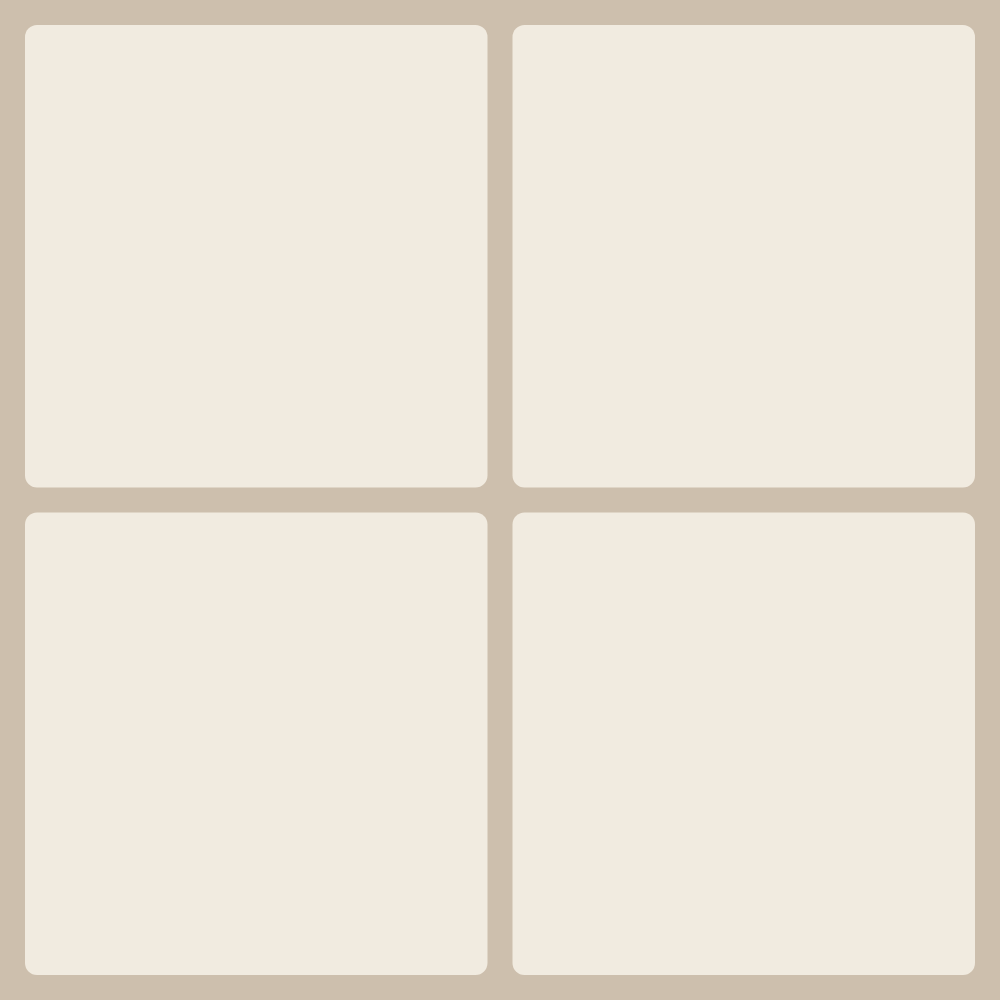
'2×2 grid' layout — collage from 4 photos

Ready-made 4-photo layouts

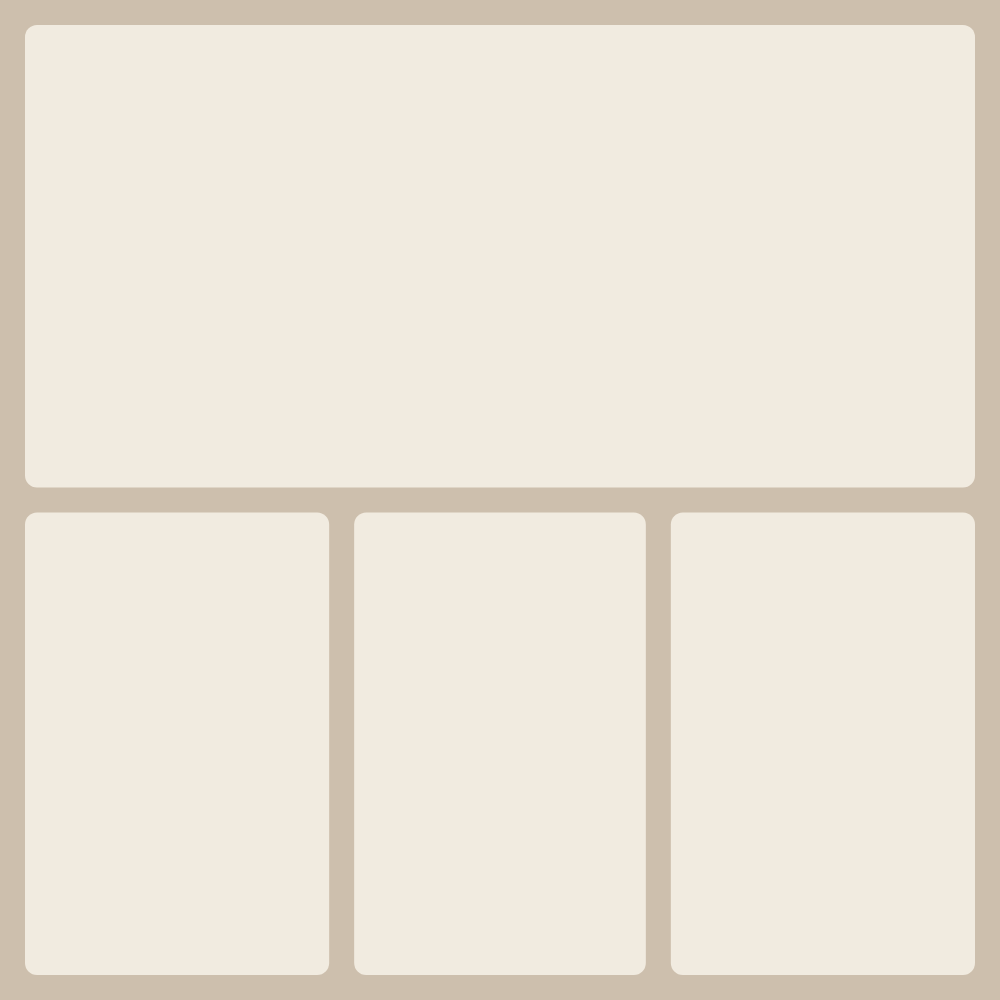
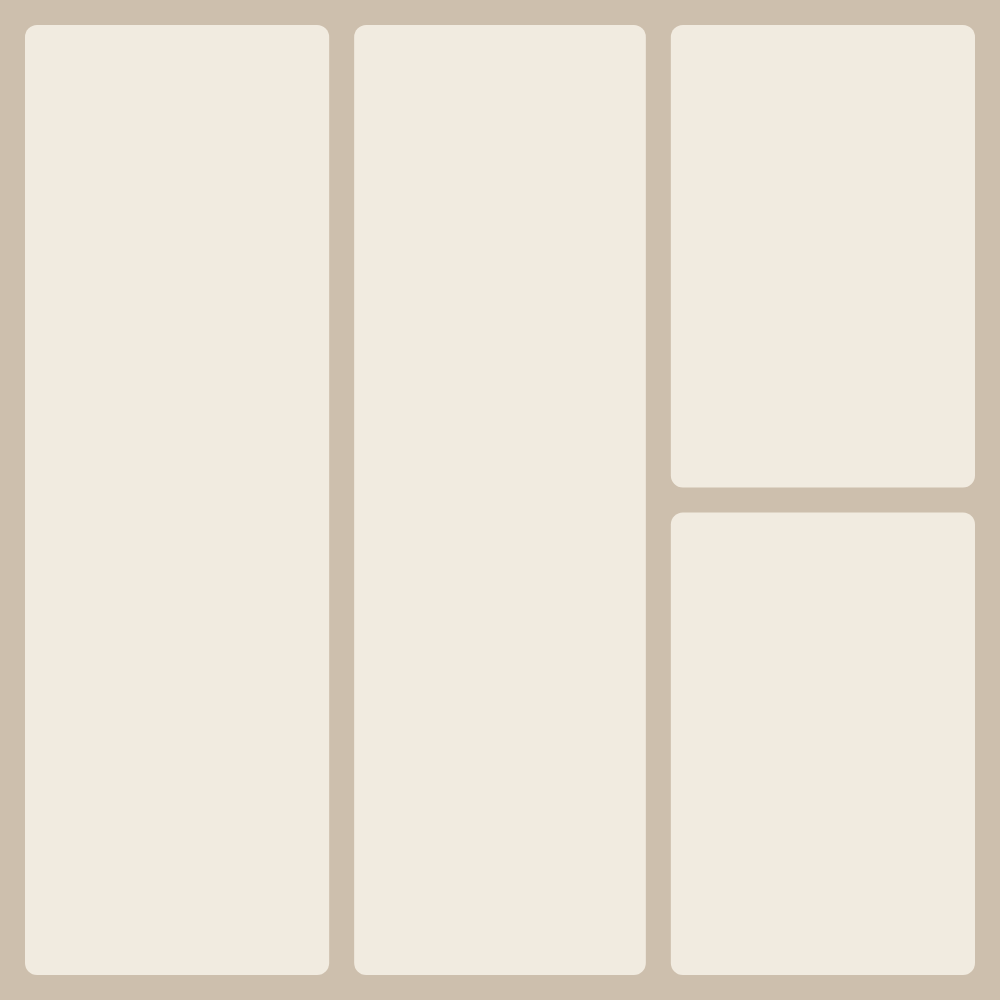
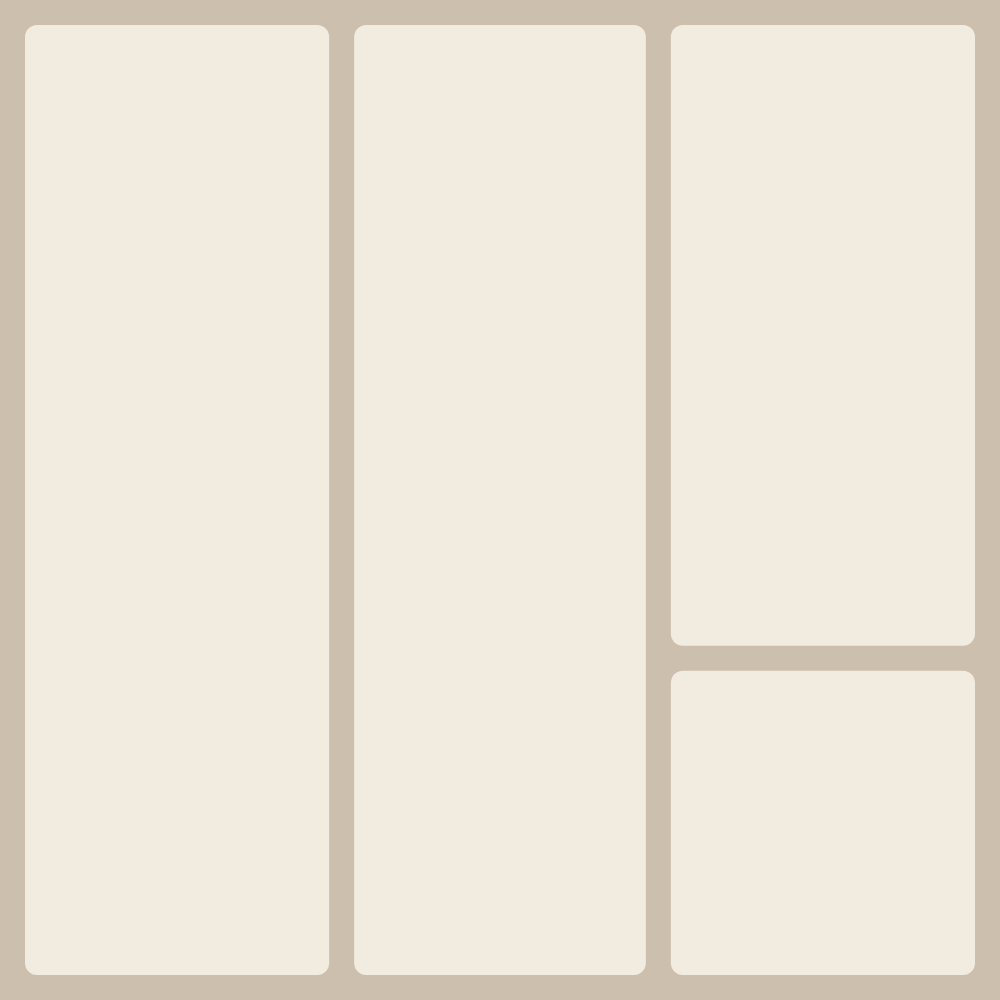
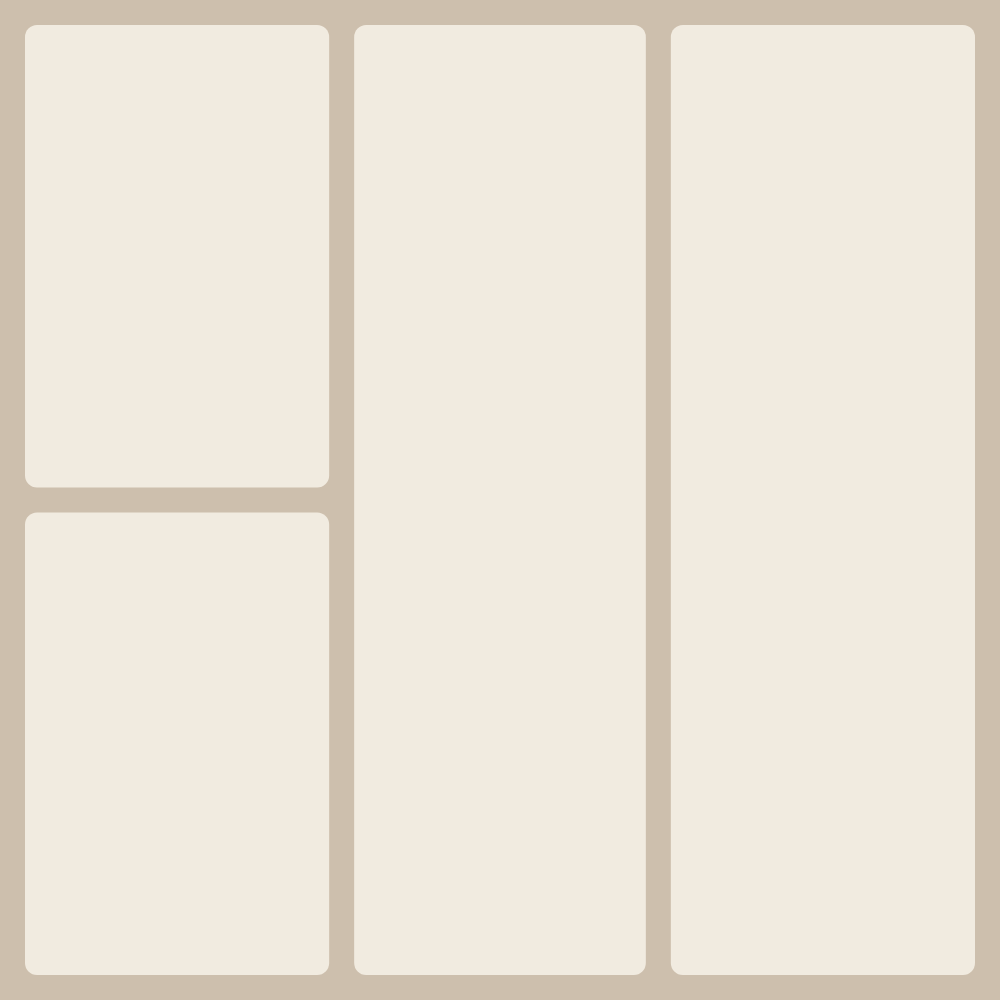
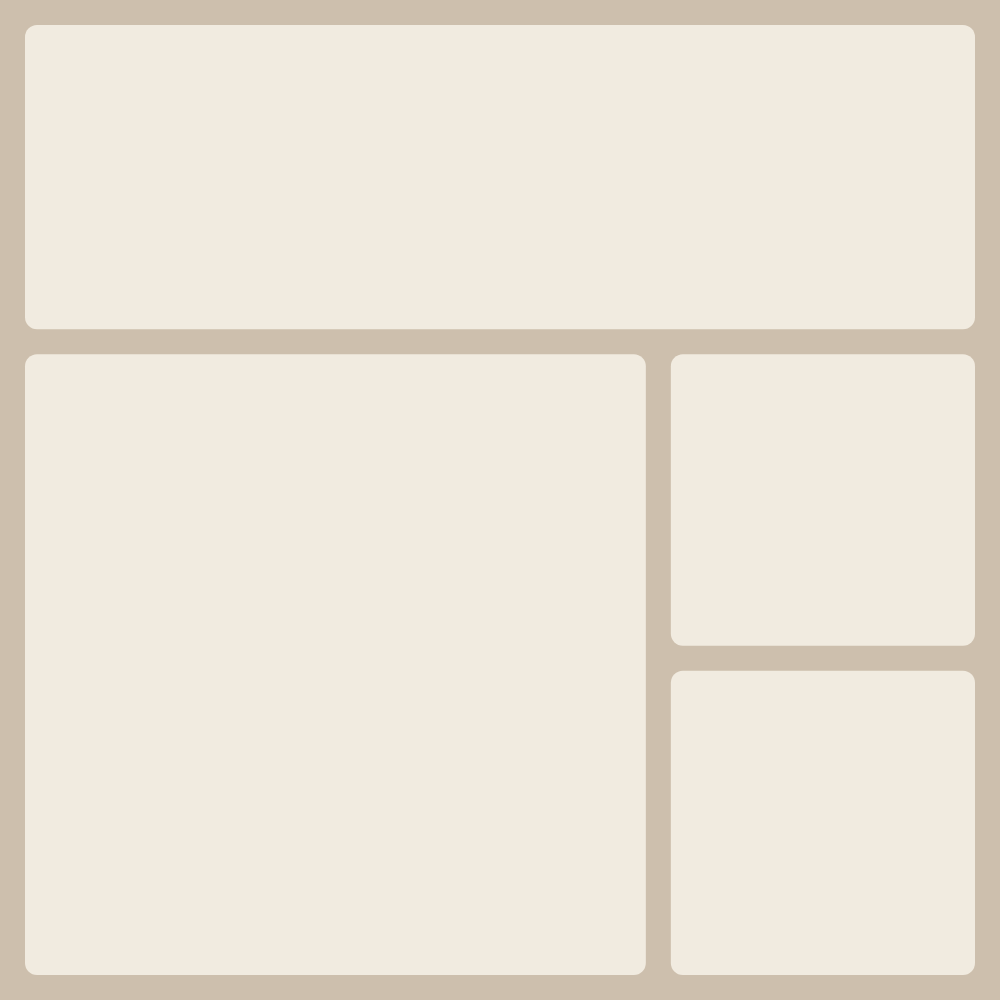
For a collage from 4 photos the catalog already has several ready-made layouts — with balanced proportions, different accents and cell orders. No need to place frames by hand: pick a layout and the editor opens with 4 cells ready. Just drag your photos in.

Each shot can be moved and zoomed inside its cell, swapped with another, and for the whole collage you can set the background, corner rounding and gap width. The finished piece downloads in high resolution: PNG or JPG for screen and social, PDF for print. No signup, no watermarks and no limit on saves.

Four photos are the most popular layout: an even 2×2 grid where every frame is equal, or a 'one large plus three around it' variant. The 2×2 grid fits an Instagram square perfectly and reads equally well on phone and in print.

Frequently asked questions

How do I make a collage from 4 photos for free?

Pick a ready-made 4-cell layout on this page — the editor opens with that grid. Drag your photos into the cells, adjust the cropping if needed and hit Download. It's free and needs no signup.

Can I change the proportions and background?

Yes. The canvas format (square, portrait, landscape), the background color or image, the gaps between cells and the corner rounding are all adjustable in the editor — the 4-cell layout adapts automatically.

What format is the finished collage saved in?

You can download the collage as a high-resolution PNG or JPG, or as PDF for print. There are no watermarks and no limit on saves.

Is a 4-photo collage good for Instagram?

Yes. Pick the square 2×2 layout — it fits the Instagram feed exactly. You can also switch the canvas to portrait for a story.

Collage from a different number of photos