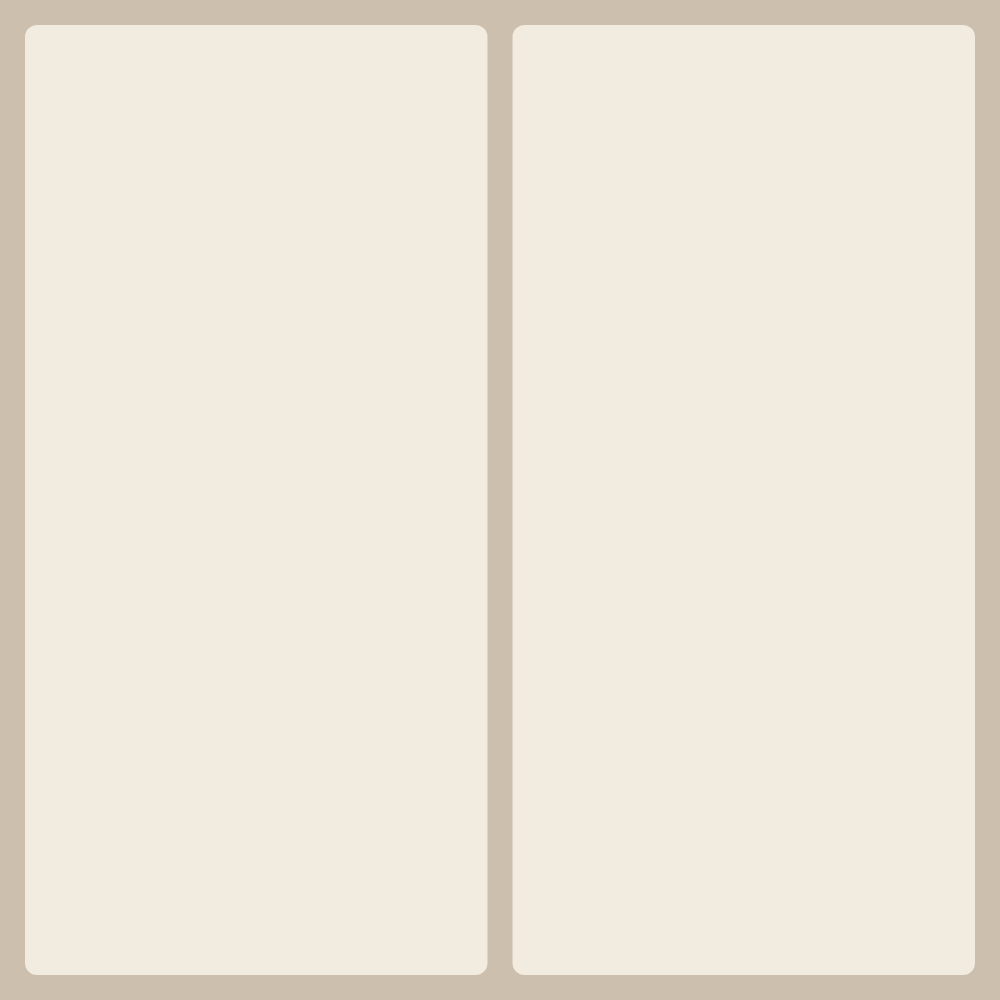
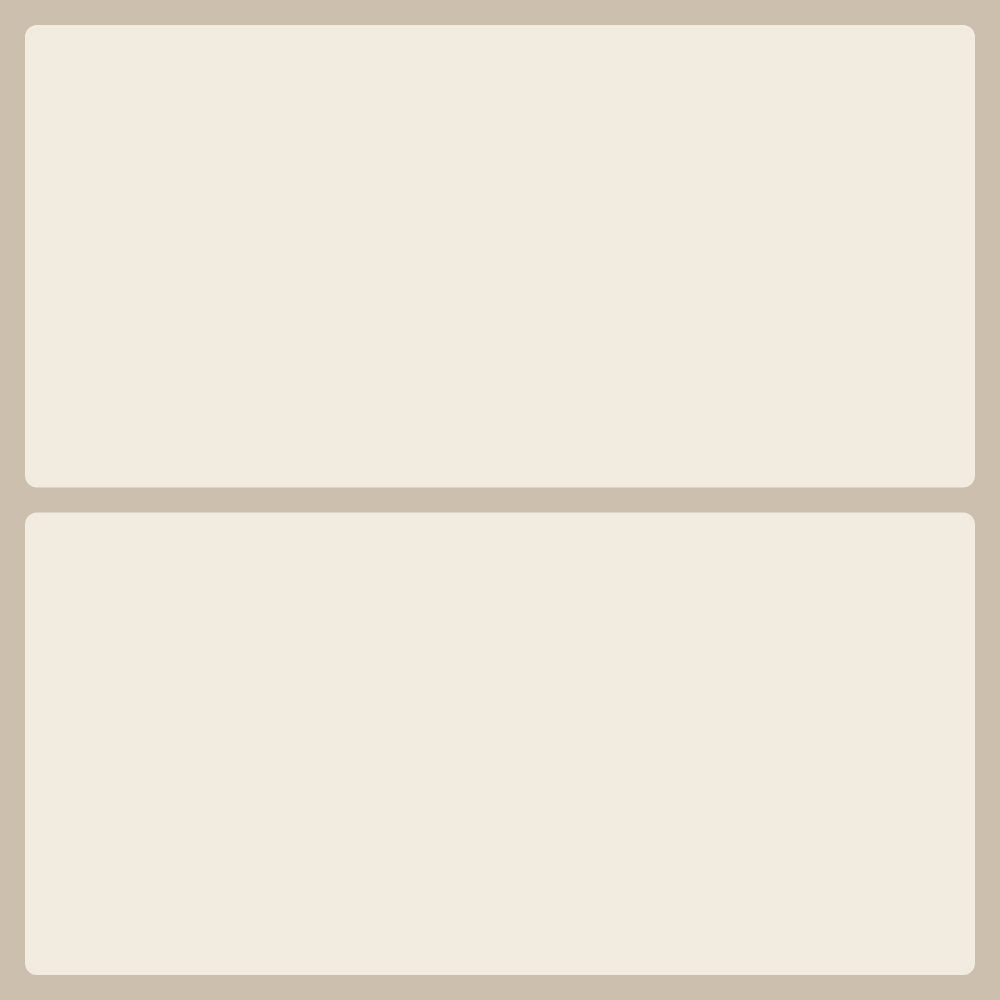



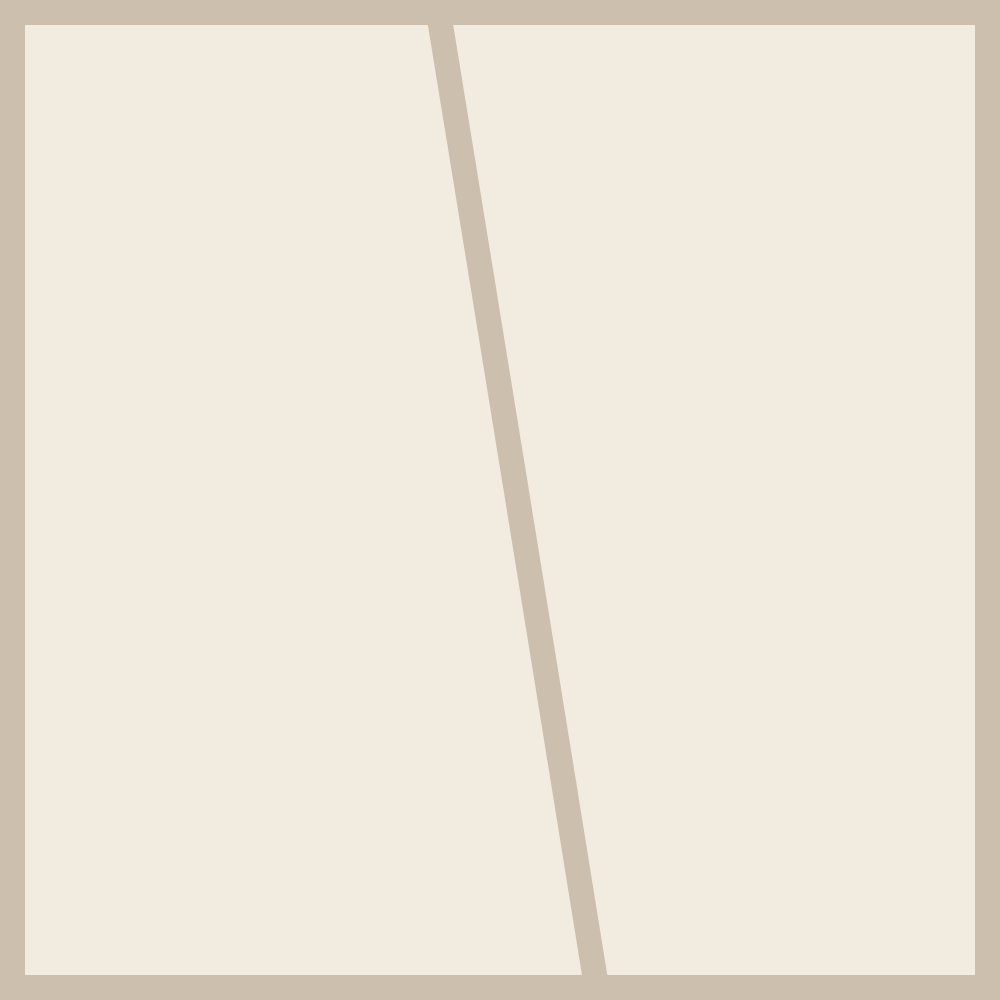
For a collage from 2 photos the catalog already has several ready-made layouts — with balanced proportions, different accents and cell orders. No need to place frames by hand: pick a layout and the editor opens with 2 cells ready. Just drag your photos in.
Each shot can be moved and zoomed inside its cell, swapped with another, and for the whole collage you can set the background, corner rounding and gap width. The finished piece downloads in high resolution: PNG or JPG for screen and social, PDF for print. No signup, no watermarks and no limit on saves.
A collage from two photos is the classic before-and-after, a side-by-side comparison or a paired shot: two halves next to each other, or one above the other. To butt the shots together seamlessly, drop the gap between cells to zero.