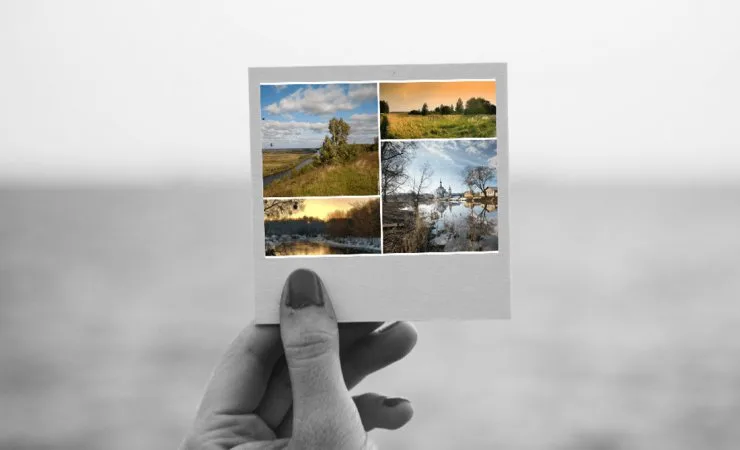
Want to combine several photos into one picture? Put 2, 3, 4 or more shots into a single composition: pick a ready layout for the number of frames you need, drop your photos into the cells — and your collage is done. Everything happens online and free, with no sign-up and no watermarks, right in your browser on a computer or phone.
Choose by number of photos
Grids are grouped by cell count — open the one you need and you’ll see only the matching layouts:
- Collage from 2 photos
- Collage from 3 photos
- Collage from 4 photos
- Collage from 5 photos
- Collage from 6 photos
- Collage from 7 photos
- Collage from 8 photos
- Collage from 9 photos
- Collage from 10 photos
- Collage from more than 10 photos
Lots of photos — 10, 16, 20, 30
If you have dozens of shots, use the 10+ cell layouts or build your own grid for any number of photos in the template builder. For an unusual composition from many photos, try the creative templates — shapes, hearts and free forms.
How to make one in a couple of minutes
- Open a layout for the number of photos you have.
- Drag your shots into the cells — each one can be moved and zoomed.
- Optionally adjust the border width, background colour and add a caption.
- Download the finished collage as JPG, PNG or PDF.
Make as many collages as you like — it’s free. The finished picture is easy to save to your phone or computer and share with friends and family.