The builder is the heart of the service. You are not limited to ready-made layouts: you can build the collage exactly the way you imagine it — a photo shaped as a heart, a star, or cut along your own outline. The “+” button in the “Templates” section opens a full-screen builder with three modes — “Rectangular”, “Freeform” and “Generator”.
Rectangular — your own grids
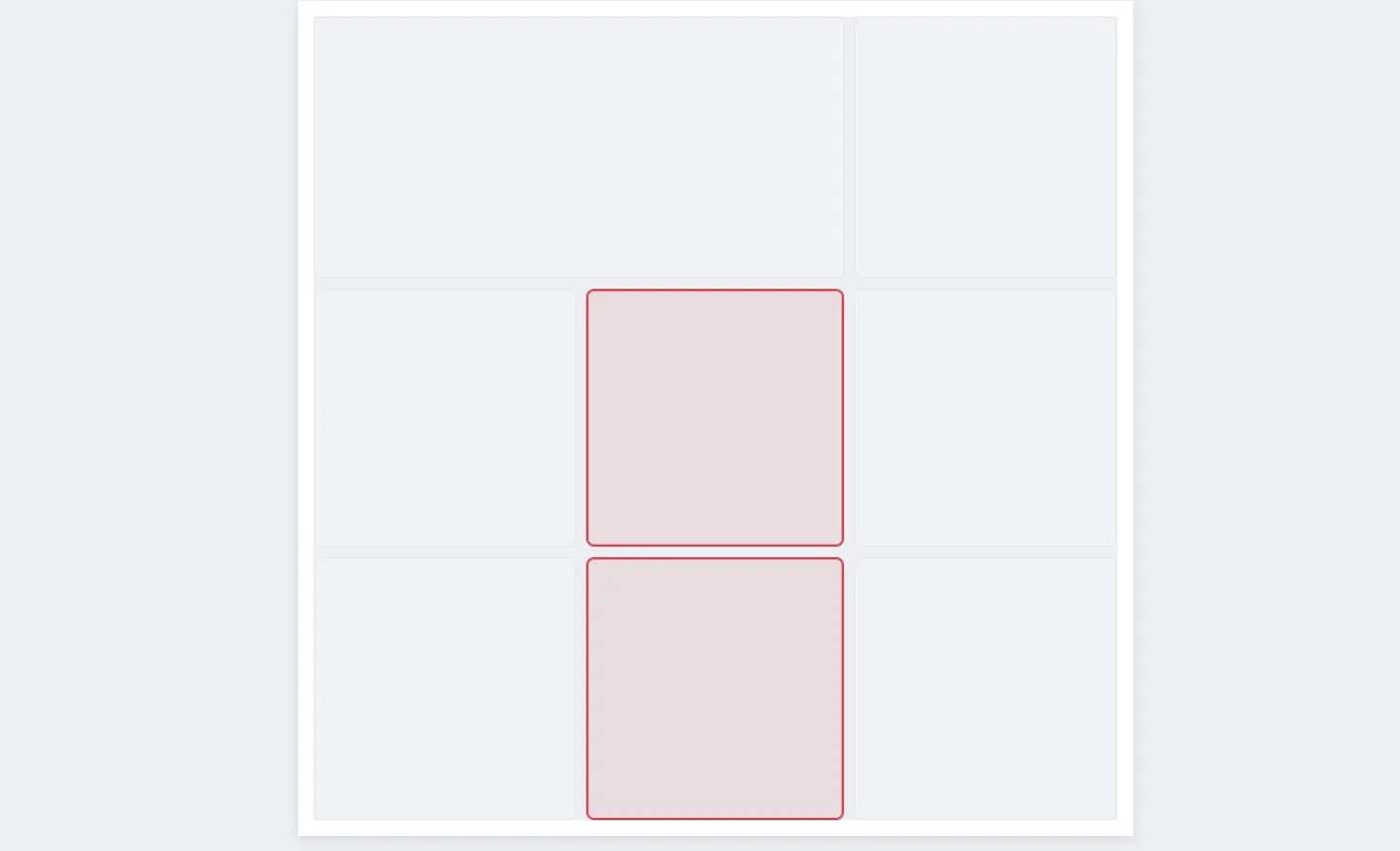
Set the number of columns and rows — you get an even grid. Drag the lines between cells to change their sizes. To turn a plain grid into an asymmetric layout (say, one big photo on the left and three small ones on the right), select neighbouring cells and press “Merge”; “Split” brings a cell back. These templates stretch to any canvas size, so they work for both a social post and a print.
Freeform — total freedom of shape
Here the shape has no limits: add shapes and arrange them however you like — overlap, rotate and combine them.
- Ready shapes: rectangle, circle, ellipse, diamond, triangle, hexagon, star, heart.
- “Polygon” — build a shape point by point, “Freehand” — draw the outline with your finger or mouse, “Curve” — smooth bends.
- Drag shapes, pull the corners to resize and the top handle to rotate; the “Layers” list helps manage the order when shapes overlap.
You can pick the canvas layout right here — “Square”, “Portrait” or “Landscape”.
Generator — layouts in one click
This is our signature feature you won’t find in other editors: the builder invents a layout for you. No need to draw anything by hand — set the parameters and press “New variation” until you like the result. Each press gives a fresh, one-of-a-kind option.
- Layout type: “Shards” (irregular pieces, like broken glass), “Waves” (the same pieces but with smooth borders), “Rectangular grid” and “Centered shape”.
- Number of cells — from 2 to 10, shown live in the preview.
- Canvas layout — square, portrait or landscape.
Apply and save
Once you like the layout, press “Apply template” — it goes onto the canvas and is saved in the “My templates” tab so you can reuse it. Feel free to experiment: until you press “Apply”, the collage is untouched, and you can close the builder with no consequences.